
Why look for a Tokchart alternative?
Tokchart can give you a sound shortlist without resolving which track suits your niche or video. Consider alternatives if you spend more time filtering broad charts than finding usable references, need to investigate a sound’s history, or still have no filming plan after choosing it. Tokchart’s account and creator tools may already cover other parts of your workflow.
Tokchart alternatives at a glance
| Your task | Tool | Useful output | Access |
|---|---|---|---|
| Start with official trends | TikTok Creative Center | Songs, hashtags and related trend context | Public entry; some views need login |
| Narrow by creative interests | TrendTok / TrendLab | Category-based trend suggestions | Free entry; membership-dependent detail |
| Understand a sound’s history | Exolyt | Usage history and period comparisons | Basic limits; paid plans / trial |
| Check the exact version | TikTok sound pages | Native sound ID and video examples | Native access varies |
| Choose an angle and plan it | Kabo | Reference discussion and a filming sequence | Daily free credits; paid plans |
5 alternatives, by the task you need
1. TikTok Creative Center — start with official trend research
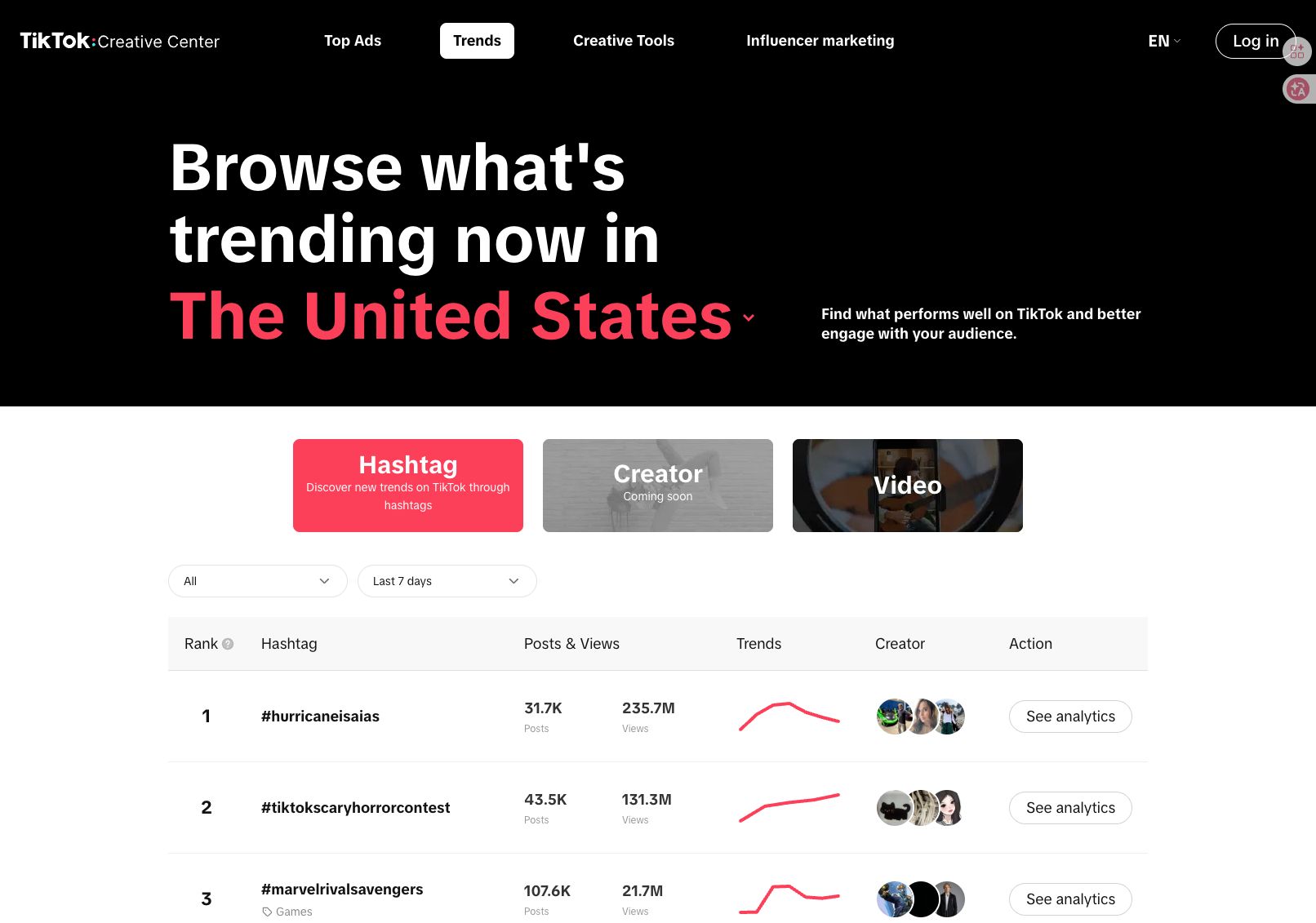
TikTok Creative Center is a sensible starting point when you want a platform-run trend source. Its Trends tools help explore songs, hashtags and other creative references, with available filters depending on the view and access.
Choose it when the question is what to investigate in a market before adding a specialist subscription. A trend entry is a lead: inspect its period, region and related examples rather than treating a large total as evidence of current momentum.
The Commercial Music Library is a separate useful route for business music selection. Check the region and usable placements; appearing in a trend chart does not by itself establish permission for your intended post.
2. TrendTok — narrow the search around your niche
TrendTok suits creators who prefer suggested directions over starting with a broad leaderboard. Its official description emphasizes personalized recommendations and rising or falling trends.
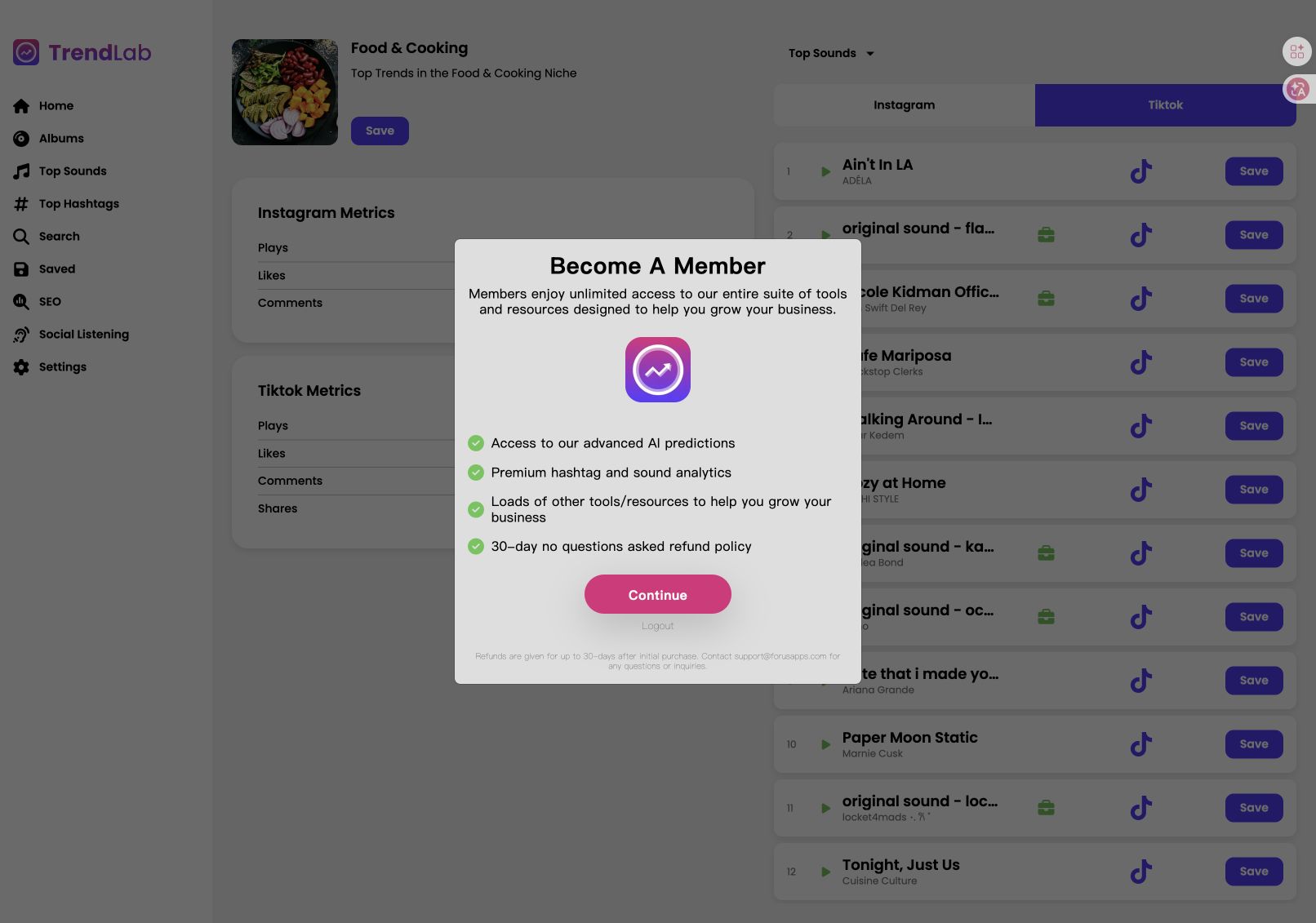
TrendLab’s Food & Cooking view included a Food & Cooking category and sound detail, giving a more focused browsing route for a baking brief. A membership overlay limited further interaction, so those screens do not establish prediction quality or the full paid experience.
Choose it for category-led discovery; choose a chart when you want to do more of the filtering yourself. Web/Android access is also available through the official site.
3. Exolyt — inspect a sound’s history
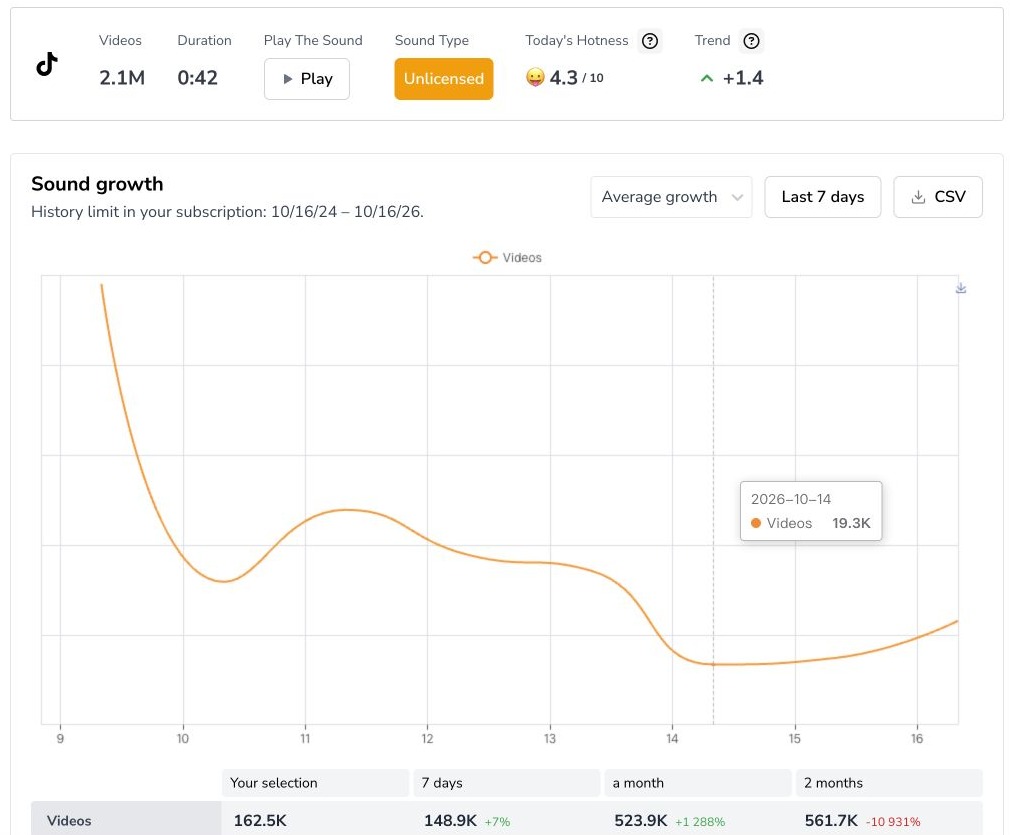
Exolyt fits a follow-up question: “How has this exact sound been used over time?” Its sound analytics provide a deeper research route alongside its broader TikTok analysis tools.
The “we fell in love in october” report below shows why the period matters: a fixed seven-day summary and the selected calendar range were not identical. Comparing like windows is more useful than combining those numbers into one growth claim.
Choose Exolyt when understanding history is worth a monitoring workspace. The screenshot used Advanced-trial access; Basic and paid plans have different history and allowances. A country filter for example videos does not automatically regionalize the sound’s total usage.
4. TikTok — check the version and real examples
TikTok’s sound pages are useful when two similarly named uploads might be different remixes or excerpts. Open the exact sound link and inspect the videos attached to it before choosing.
A sound-page check matched the October sound’s ID and a real cake-video example. It still does not establish a complete US baking ranking or prove the audio caused that video’s response.
Choose the native page for version and example checks. Choose a research tool when you need a shortlist, saved history or structured comparison, then return to TikTok to preview the usable excerpt.
5. Kabo — turn a sound shortlist into a filming plan
Kabo can start with your creator brief: audience, topic, platform and what you can film. Its AI Agent helps research relevant references, explain possible creative fits and develop an original direction through follow-up questions.
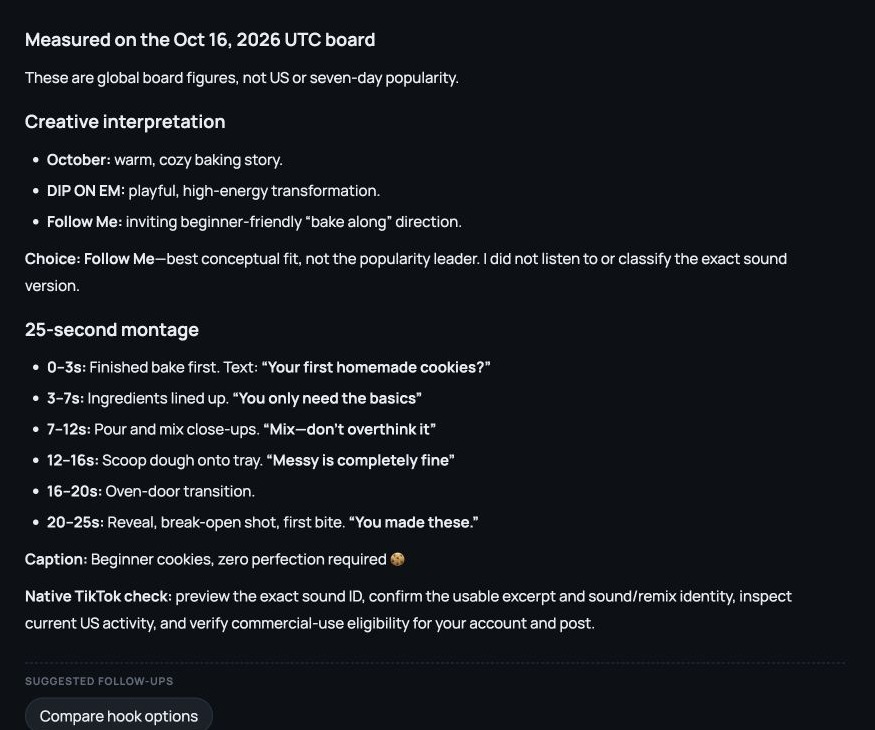
For a beginner-baking montage, the conversation considered three named sounds and chose “Follow Me” as a creative direction. The useful output was the reasoning and a 25-second plan: finished cookies first, ingredients, mixing close-ups, scooping, an oven transition and a final reveal, with on-screen text and a caption.
Refine the content plan with fewer shots, a different audience or a voiceover opening. Kabo also supports channel and video analysis when the starting point is a creator or reference rather than music.
Choose it when the work is deciding what to make and turning that decision into writing. Preview the exact sound yourself: the conversation did not listen to it or verify beat timings.
Before replacing Tokchart: filters, history and access
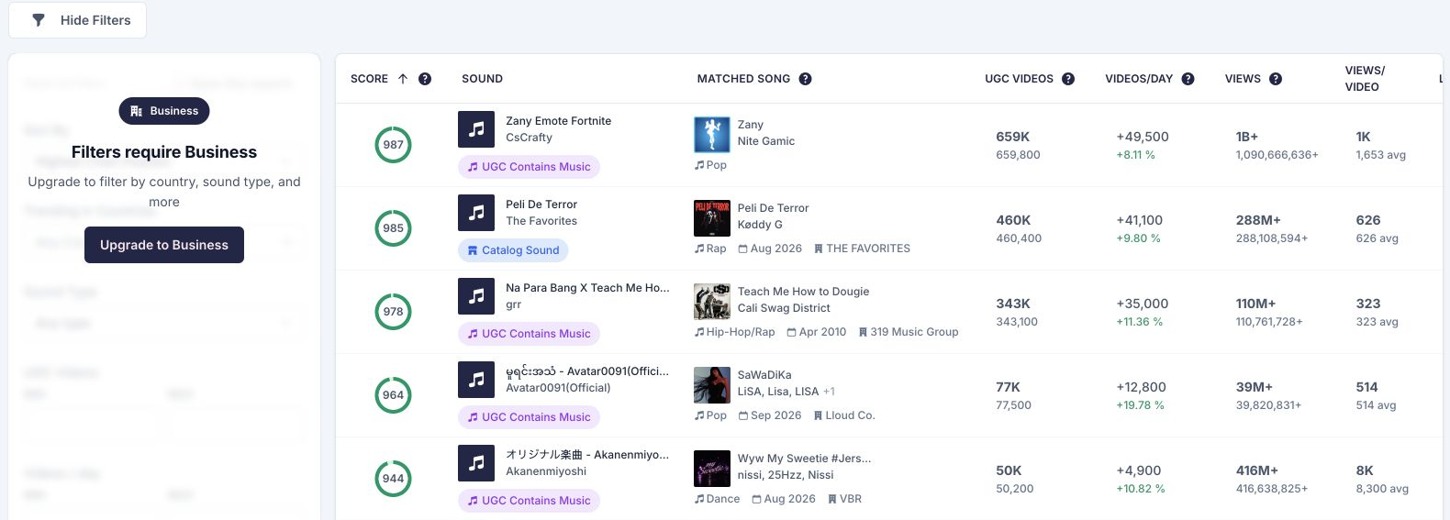
Tokchart’s current plans include account tracking, favorites and broader creator or campaign tools. The public preview below offered a quick way to scan named sounds; deeper access was gated in that visit.
Compare the missing task with the plan that actually includes it. If you only need a few references, start with the available preview and native checks. If you regularly research sound histories, save shortlists or develop scripts, judge those outputs separately.
Tokchart alternatives FAQ
Is there a free Tokchart alternative?
Official trend entry points and native sound pages can support initial research; Kabo offers daily credits. Login requirements and allowances vary, so try the specific task.
Does a trending song mean I can use it commercially?
No. Check the exact sound, account type, region and intended placement using the applicable music permissions.
Can Kabo help beyond finding sounds?
Yes. Start with a channel, reference or question, then discuss findings, choose an angle and develop a script or filming plan.
Sources and scope
Published by Kabo. Official sources reviewed October 22, 2026; retained screenshots date from October 16. TrendLab membership detail and Tokchart paid filters were not tested. Exolyt used Advanced-trial access. Sound-growth accuracy, audible fit, prediction quality and publishing outcomes were not established. The Kabo example demonstrates creative development, not measured trend performance.
The order groups tasks, not performance. Access, prices and product coverage can change.