
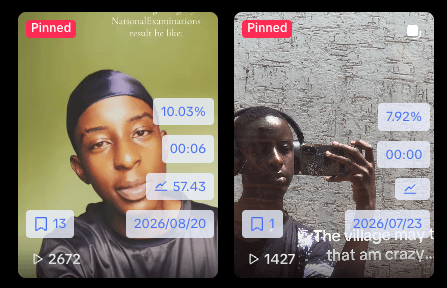
About Loris
Loris is a young creator from Rwanda who posts as @loris.archive. When we spoke, he was about two months into creating content, mainly on TikTok, while balancing his studies.
He enjoys photo stories, POV posts, and content that communicates an emotion without always needing to speak to the camera. He is still experimenting with what his own recognizable style could look like.
THE CREATIVE CHALLENGE
Make separate photos feel connected.
Loris has to decide which images belong together, what should open the post, and what the viewer should take away. With limited resources and school to balance, he also needs ideas he can realistically make.
The biggest challenge is not simply finding good photos; it’s deciding which photos work best together to communicate a particular idea.
Loris Creator · @loris.archive
FROM AN IDEA TO A PUBLISHED POST
How he uses Kabo
1. Find an idea he can actually make
Loris regularly asks Kabo Agent for ideas that fit his circumstances: he creates on a computer, has limited resources, and wants concepts that need little editing or no new phone footage.
That gives the brainstorming a practical direction. He needs an idea he can express with the material and tools available to him.
2. Give the photos a story to tell
For the featured post, Loris used Kabo’s script and recommendations to guide what he created. The finished carousel connects three different images through a continuous thought.
A mirror selfie introduces the idea of being judged by others. A black-and-white portrait continues the uncertainty. A church photograph provides the setting for the final Christian message.
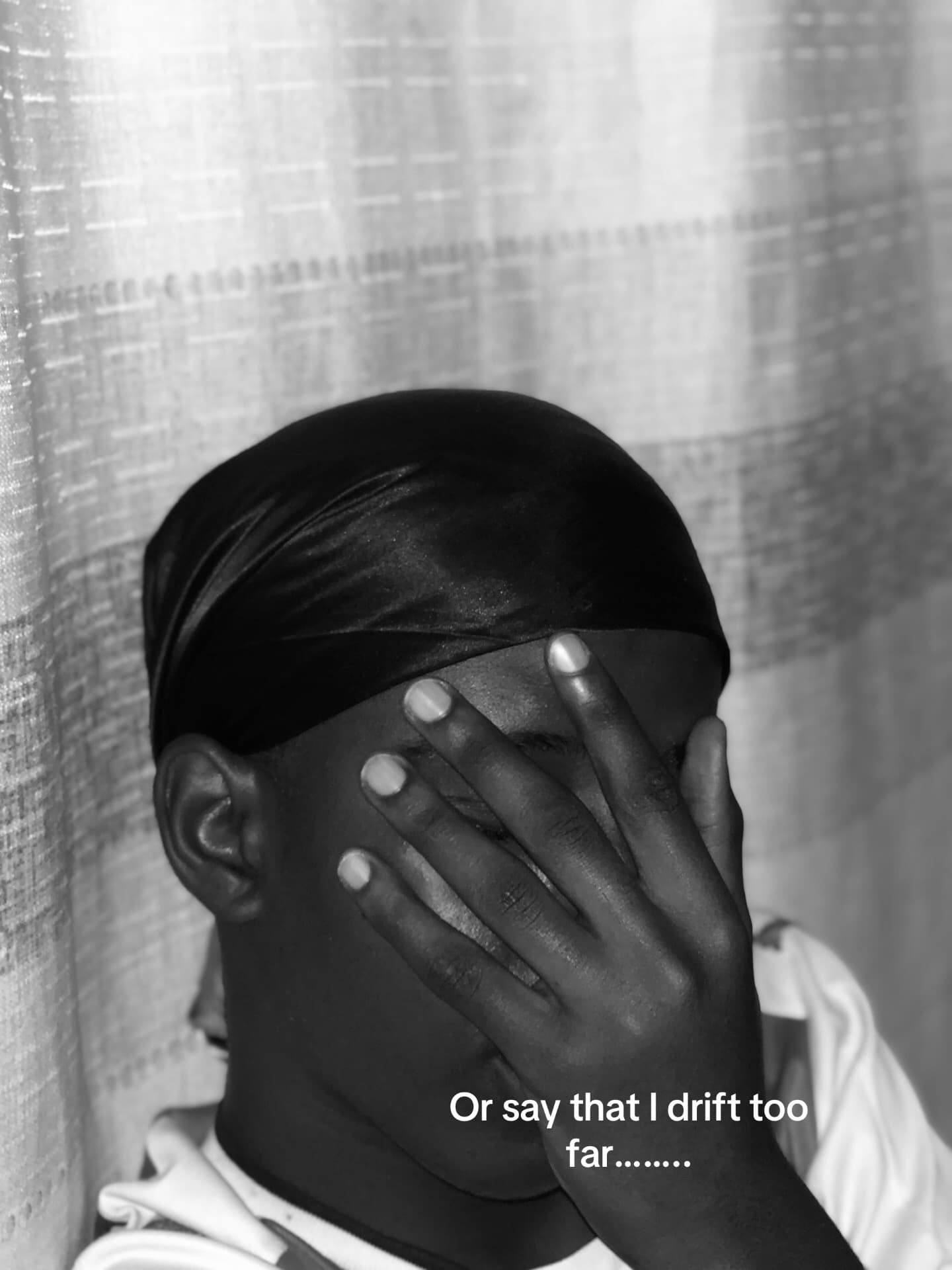
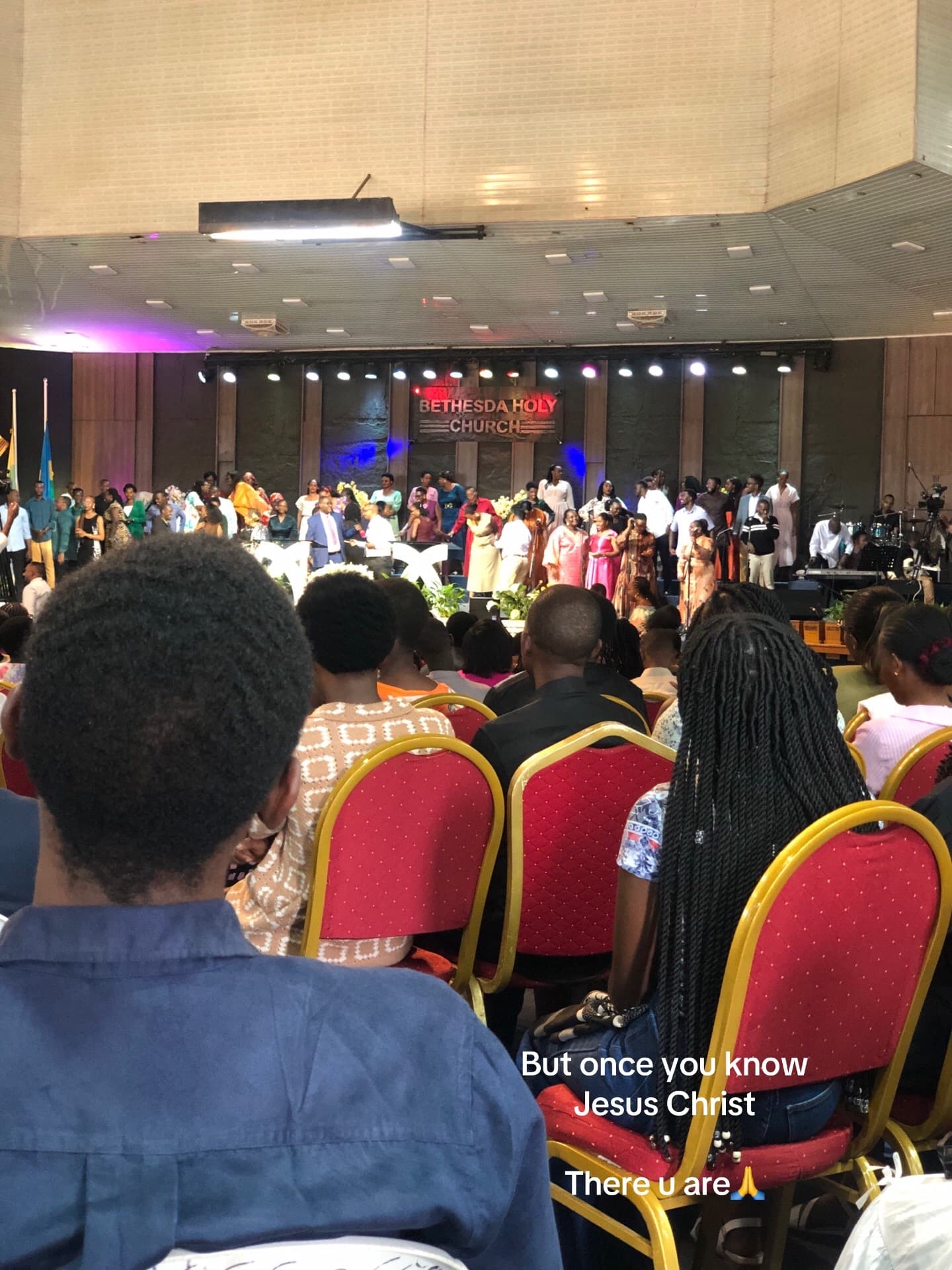
The words give each photograph a purpose and make the last slide answer the opening. Loris remains responsible for choosing his images and deciding whether the finished post communicates what he wants to say.
3. Work through the edit in CapCut
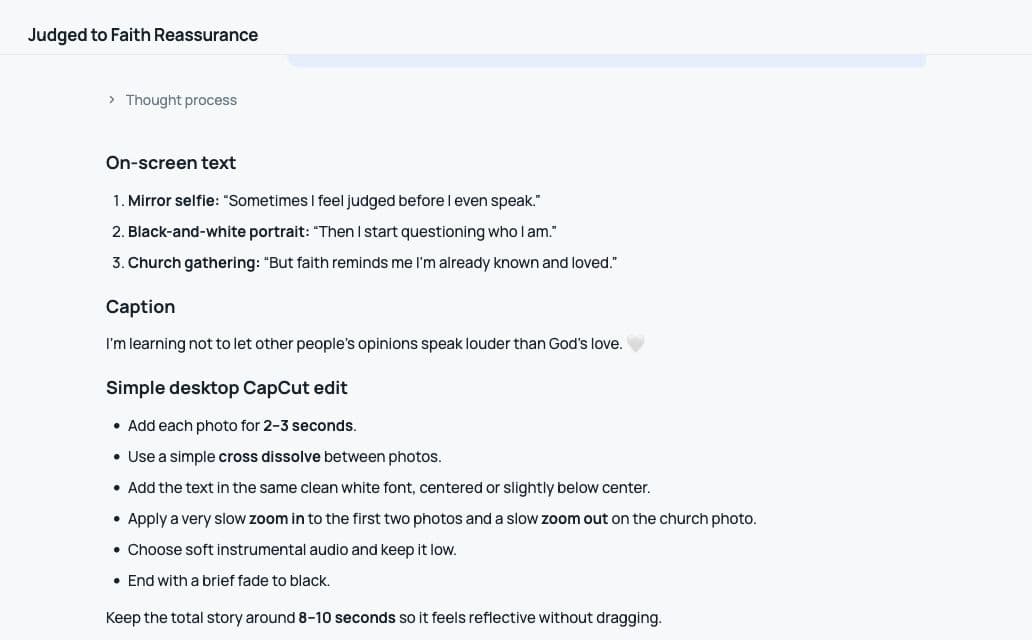
Loris edits with CapCut. When he gets stuck, he returns to Kabo with specific questions about the desktop workflow: adding fades and freeze frames, changing subtitle colors, choosing text styles, and setting the aspect ratio.
Kabo helps explain the next action; Loris applies it in his editor. This is part of his broader learning process, alongside asking about filming techniques and camera angles for future content.
4. Prepare the post, then bring back the results
Titles, descriptions, and hashtags are among Loris’s most frequent requests. He also asks for music options and compares usage counts before deciding what to use.
After publishing, he comes back with the numbers and asks what he could try next. Those follow-up questions become material for his next round of content planning.
Kabo supplies ideas, wording, and practical guidance throughout the process. Loris decides which suggestions fit his niche and what he wants to publish.
I want the tool to support my creative decisions rather than make every post look generic.
Loris Creator · @loris.archive
THE RESULTS
4.5× the comparison-post median.
The featured photo story recorded 1,427 views, compared with a 315-view median across five other visible photo posts. It also received 110 likes.
| Photo post | Published in 2026 | Views |
|---|---|---|
| Featured story ↗ | Jul 23 | 1,427 |
| Comparison 1 ↗ | Aug 30 | 318 |
| Comparison 2 ↗ | Sep 3 | 236 |
| Comparison 3 ↗ | Oct 8 | 470 |
| Comparison 4 ↗ | Oct 10 | 315 |
| Comparison 5 ↗ | Oct 22 | 259 |
| Comparison median | 315 | |
The 4.5× figure compares cumulative plays across posts published on different dates. It is not a before-and-after growth measurement. The sample is five other visible photo posts, not the whole account.
Loris is still building his audience and creative identity while studying. This story captures an early, repeatable approach: start with a manageable idea, develop the wording, work through the edit, and use the published result to inform the next post.
Try the workflow.
Start with one message you want your photos to communicate. Use this suggested reader prompt, then review the wording before you edit.
Copy the photo-story prompt
I’m making a three-photo TikTok story.

My message: [Describe the idea or feeling]
My audience: [Describe them]
My photos: [Briefly describe each image]
My constraints: I edit on a computer in CapCut and want simple edits.

Suggest an opening line and short text for each slide.
Make the three lines build toward one clear ending.
Keep the wording natural and ask about anything unclear.

I’ll choose the photos, review the wording, and make the final edit.
This is a prompt for readers to try, not a transcript of Loris’s original conversation.
Based on Loris’s interview and the public post. Public counts checked October 30, 2026. Views describe plays, not unique viewers.