ChatGPT Product GIF Test: What Changed After a Price Edit?
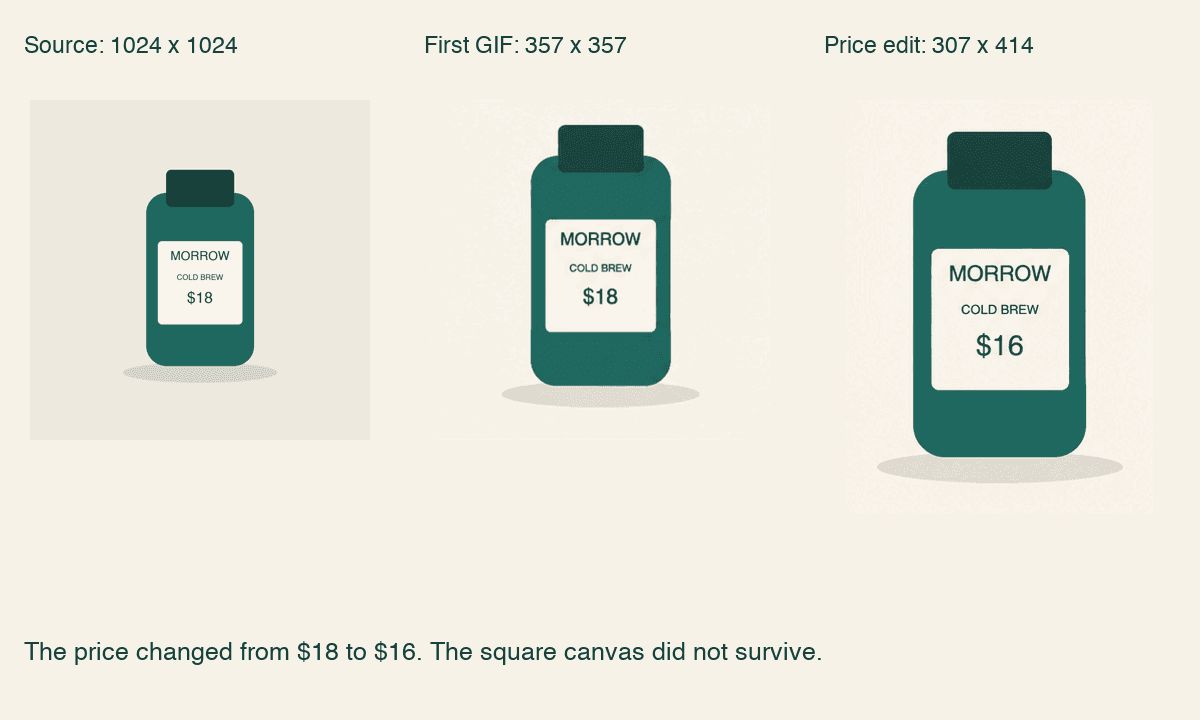
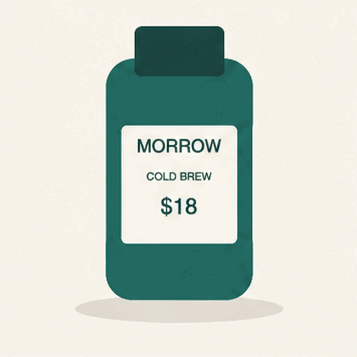
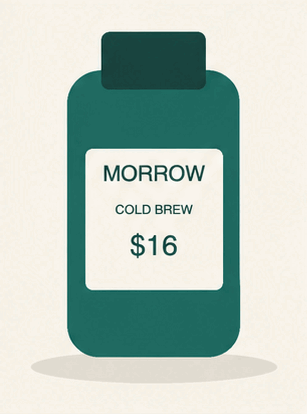
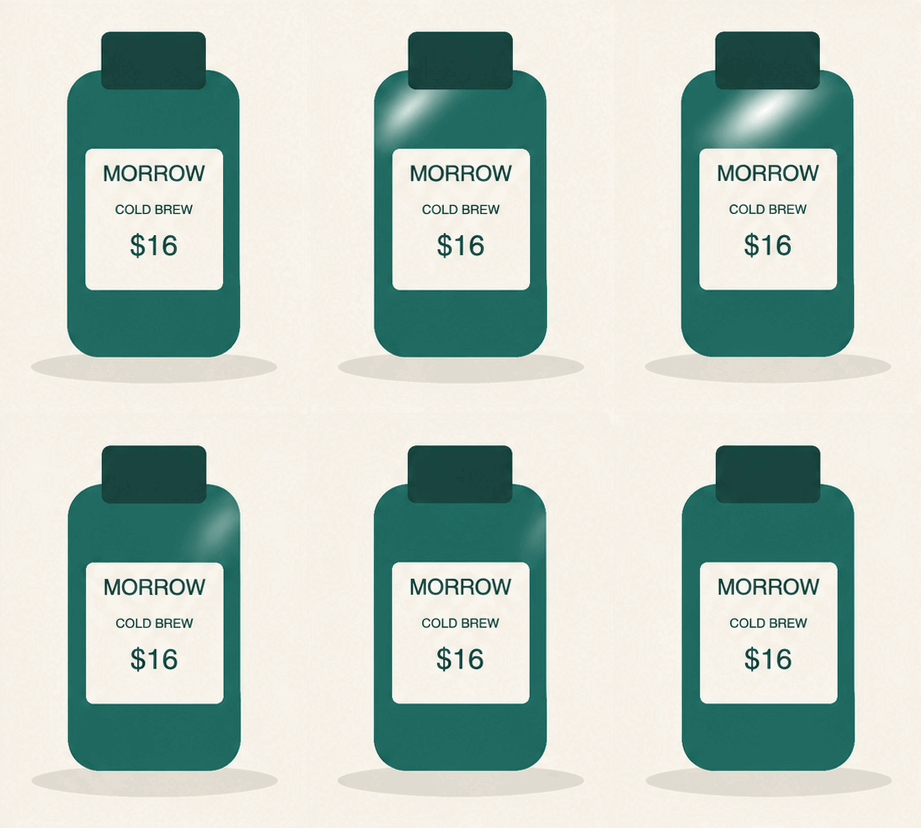
In our ChatGPT Pro test, the product GIF went from $18 to $16 in every frame. The file also went from 357 × 357 px to 307 × 414 px, so it no longer fit the square brief.
What we asked ChatGPT to preserve
Say a brand sends you a product graphic and asks for a little movement. The job looks small: keep the product recognizable, let a highlight pass over it, and return a file they can use. An animation that looks fine in the conversation still has to fit that brief.
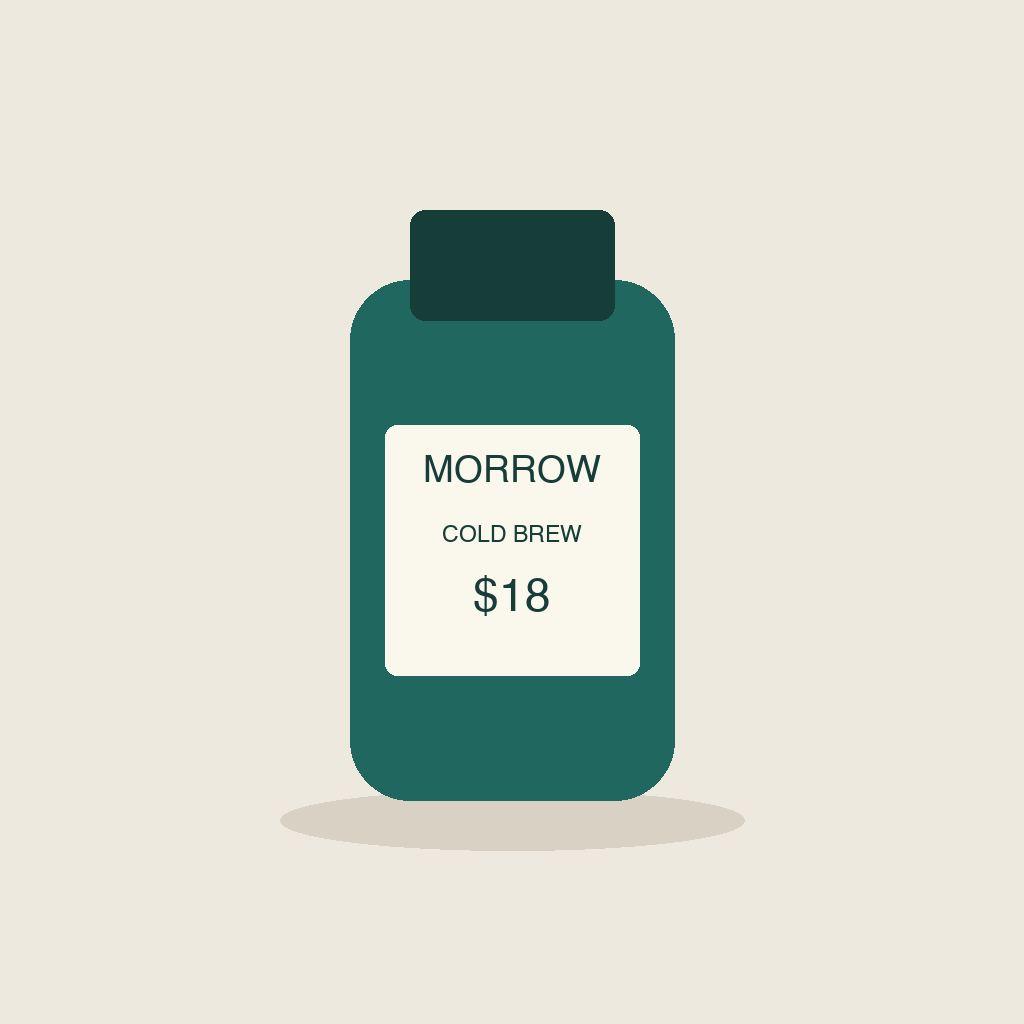
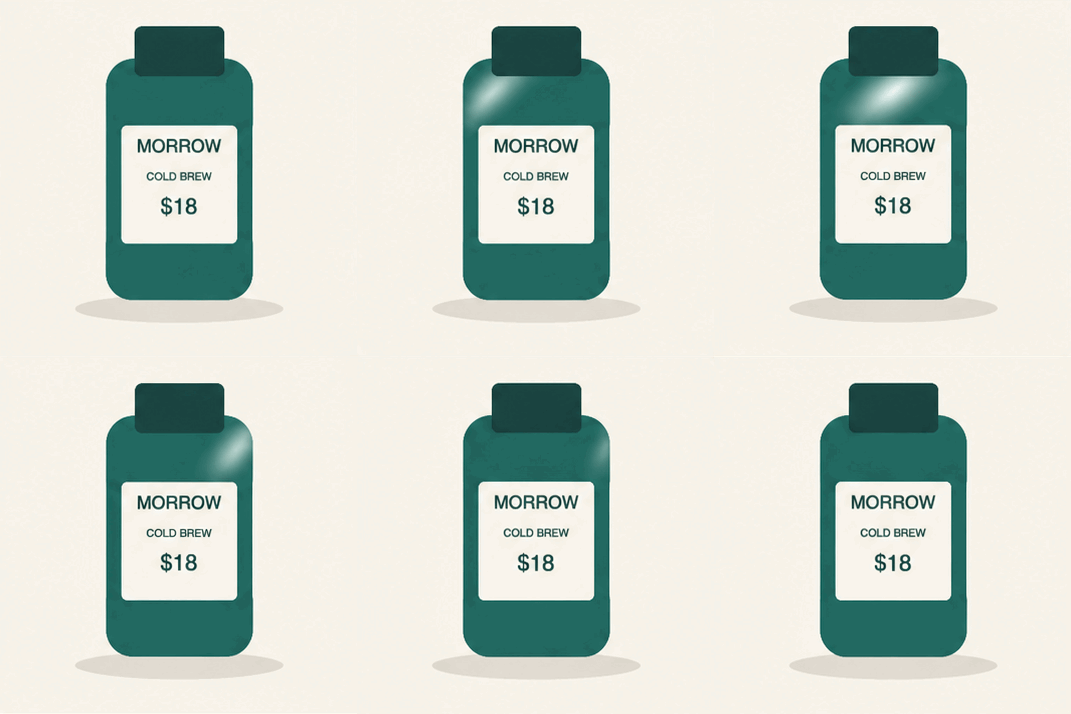
We drew a fictional MORROW cold-brew bottle on a cream background. The 1024 × 1024 source carried three exact strings: MORROW, COLD BREW and $18. In ChatGPT on the web, we attached that PNG and requested a two-second square GIF with a fixed camera and one moving highlight. The bottle, label and background were supposed to stay unchanged.
To repeat the test, download the test files (ZIP) for the source image, exact prompts, both original GIFs and file details.
This was one existing Pro account on November 5, 2026, using its included access. We kept the first output, then made one price revision. Free-plan allowances were not tested. The web interface did not identify the underlying image model, so these are results from the native GIF workflow available after the Images 2.6 launch.
OpenAI’s Images 2.6 announcement describes GIF creation and more consistent editing. Keeping a label readable is only part of that job. The exported canvas has to survive the edit too.
What survived the price edit
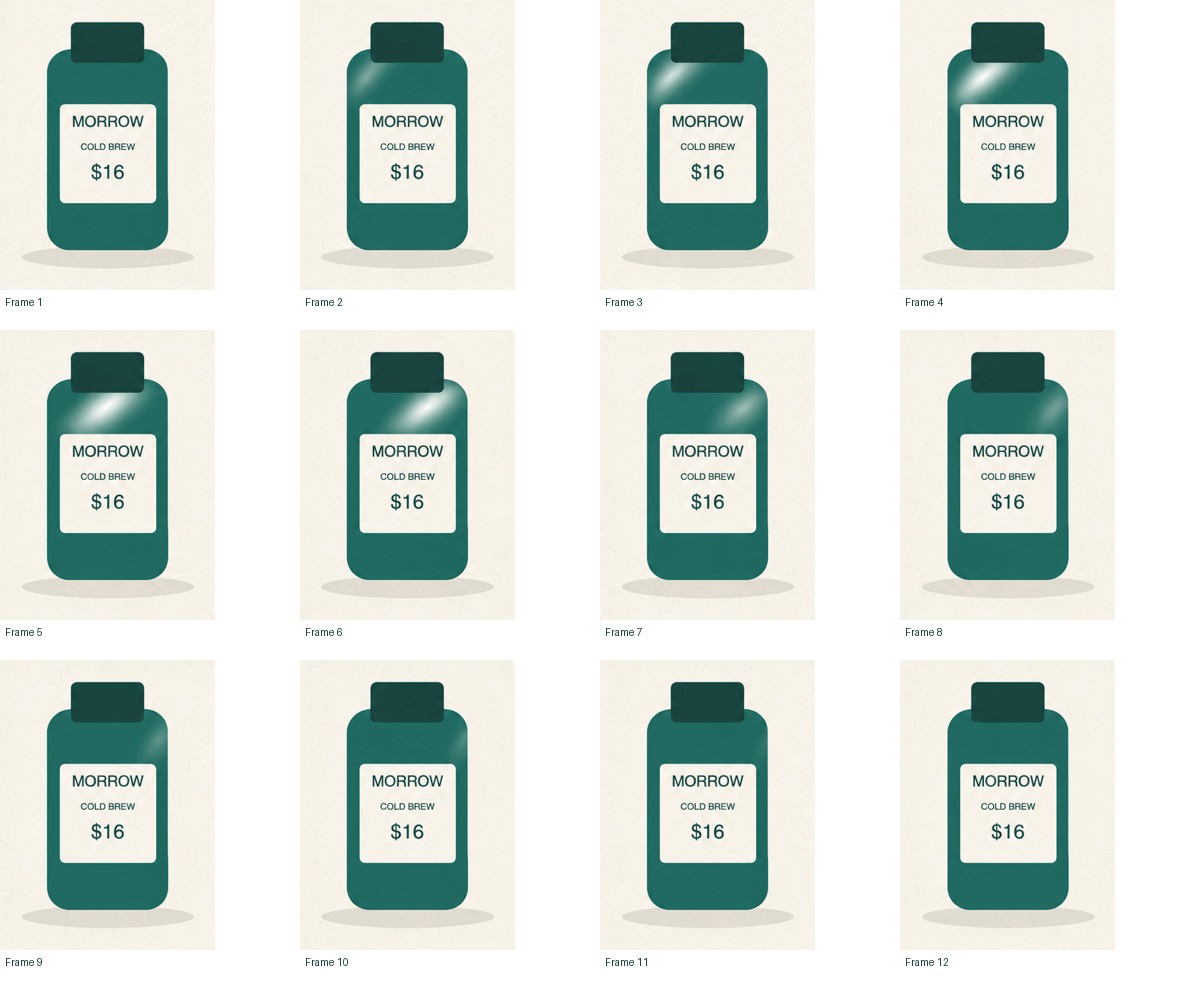
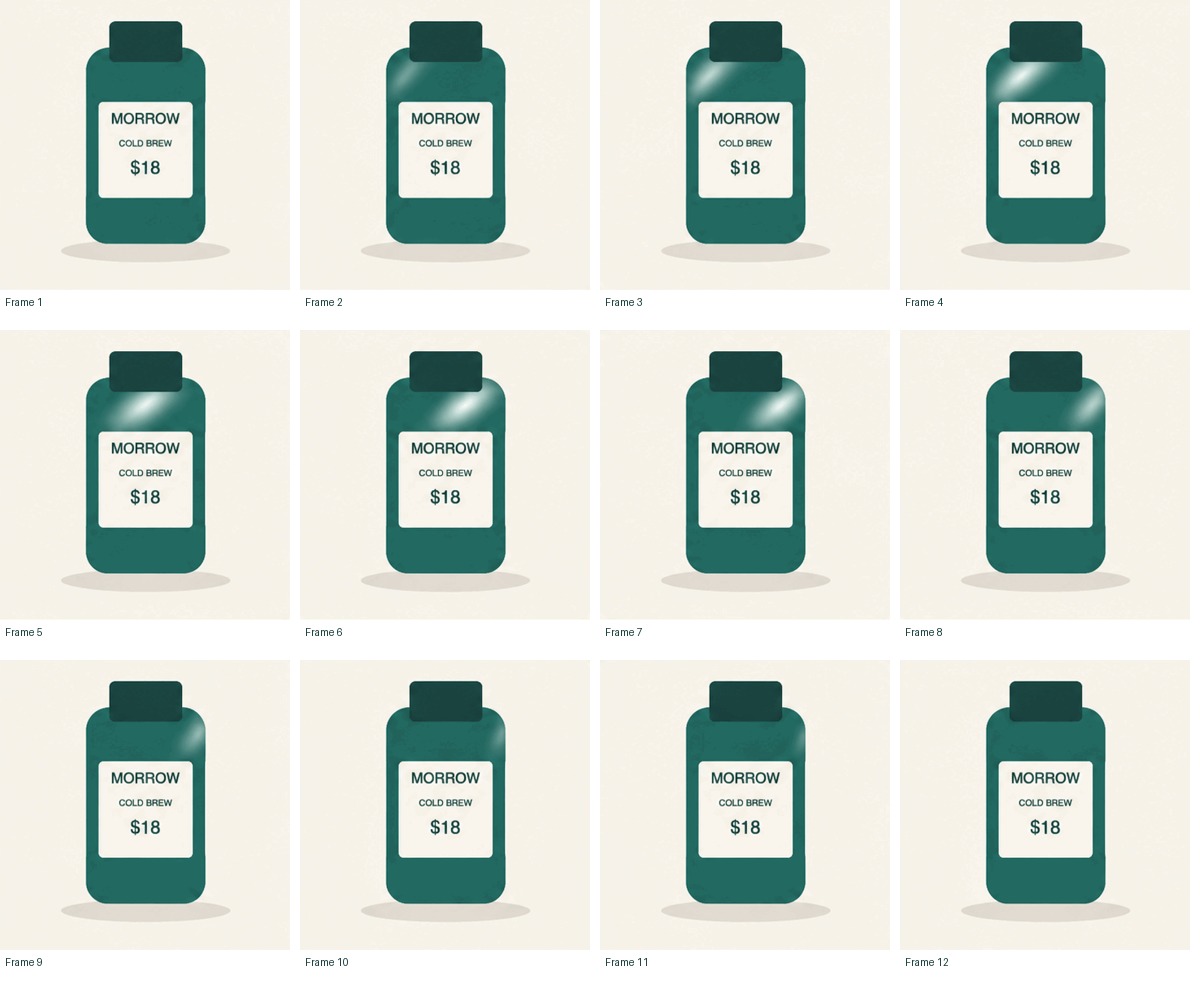
The first GIF showed the requested moving highlight. MORROW, COLD BREW and $18 were readable in all 12 decoded frames by AI visual review. The product kept its broad bottle-and-label design, though fine edges and positioning varied across frames. We would not treat it as a pixel-identical animation of the source.
Next, we asked ChatGPT to change $18 to $16 in every frame while keeping the bottle, label and background in place. The second output carried $16 throughout, with the brand and product name still readable.
| Check | First GIF | After the price edit |
|---|---|---|
| Price in every frame | $18, readable | $16, readable |
| Brand and product name | Readable in all 12 frames | Readable in all 12 frames |
| Downloaded canvas | 357 × 357 px | 307 × 414 px |
| Decoded animation | 12 changing frames | 12 changing frames |
| Duration / repeat setting | 2.04 seconds / infinite | 2.04 seconds / infinite |
| Fits our square requirement | Yes, at the returned resolution | No, the canvas became portrait |
Scroll horizontally to read all columns.
The new price was right, but we still couldn’t send the revised GIF for a square placement. Stretching it would distort the bottle. We’d have to decide what to crop or where to add space.
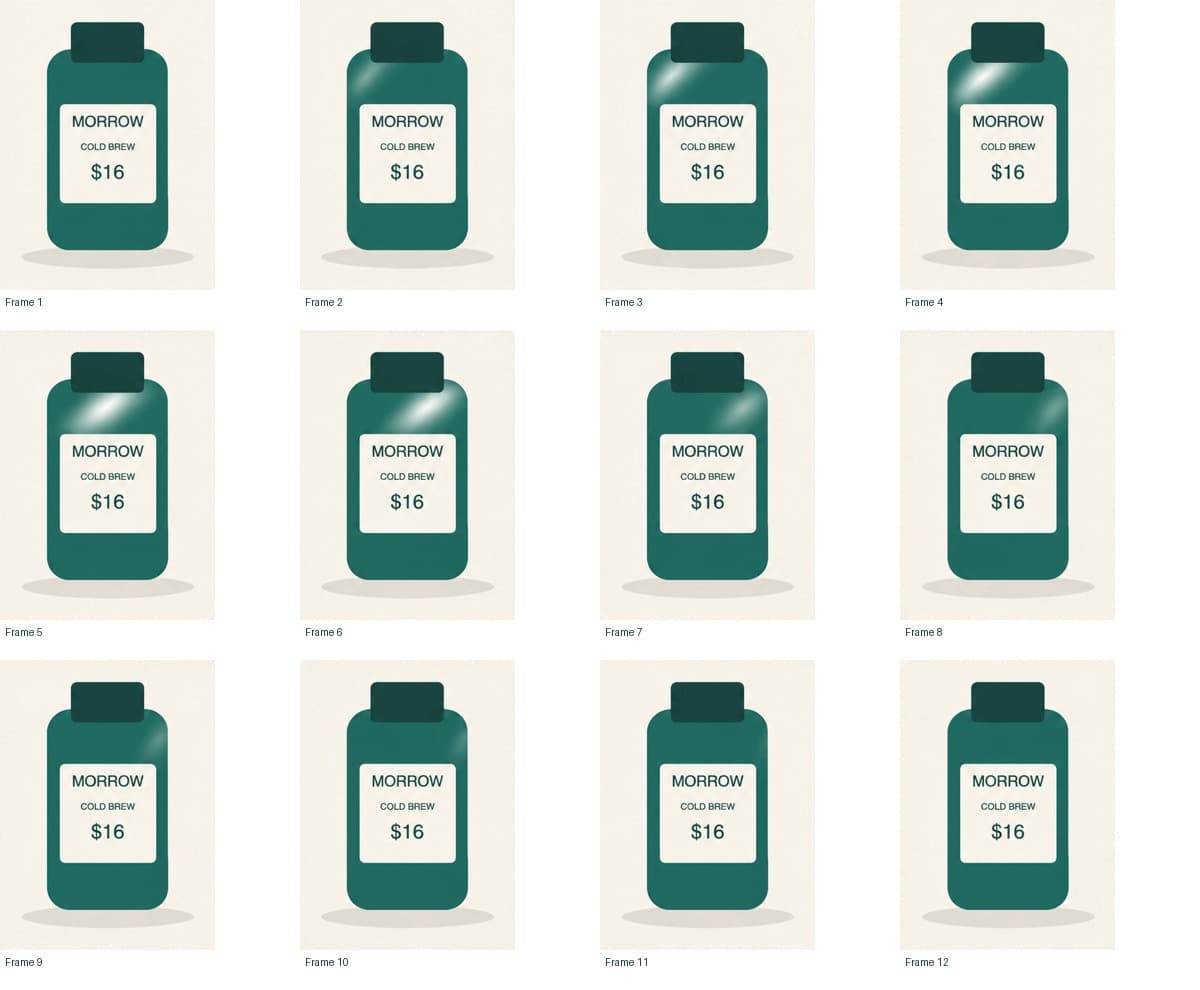
Open the full-size revised frame sheet or compare the first GIF’s frames.
Download the GIF, then check the file
Open the animation in your ChatGPT conversation. If you’re on Sheet, switch to GIF, then click Download GIF. We asked for the new price in every frame using the edit box. We didn’t try selecting a single frame.
Both downloads played as animations and kept repeating. You can find the exact frame timing and file sizes in the test receipt.
The original PNG’s 1024-pixel size did not carry through to the first GIF. If a client needs a particular pixel size, compare the exported file with that requirement. A square thumbnail in the chat is not a delivery specification.
Looping and a seamless restart are different checks. An infinite-loop flag tells a player to repeat. It does not tell you whether the last pose joins comfortably to the first. Watch several complete cycles at normal size, then inspect the boundary frames. Small shifts in the cap, label or shadow can matter even when the text is readable.
Both GIFs kept repeating in Chrome at their downloaded sizes. At normal speed, the highlight faded before the restart; we saw no obvious flash or sudden shift in the bottle at the loop boundary. Comparing the last and first frames still showed small edge and texture changes. The loops were usable as rough motion previews, but a finished brand asset would need a closer visual check. The revised GIF missed our square-canvas requirement.
A still frame sheet helps with lettering, but cannot show the rhythm by itself. Keep the animated file as well as the frame sheet. We did not upload these samples to Instagram or TikTok, so destination playback and format acceptance still need their own check.
A handoff check for your own product loop
Write down the required canvas before generating. Then separate the part allowed to move from the details that must stay fixed. In our example, the highlight could move; the price could change only when requested. The brief still required a square after that change.
PRODUCT GIF HANDOFF CHECK
Required canvas: ____ x ____ px
Brand, product name and price correct in every frame: ____
Product shape and label placement acceptable: ____
Downloaded file has multiple changing frames: ____
Duration and repeat behavior match the brief: ____
Last frame returns cleanly to the first: ____
File size and format accepted by the destination: ____
Rechecked after the latest edit: ____
Decision: ready / revise / use another workflow
For a concept preview, you may accept slight movement in the product’s edges. A product listing or paid brand placement may need closer control. Agree on that tolerance before promising a finished asset. If preserving the exact label and shape is essential, keeping the approved product layer in a separate editor may be a better next step.
If you are deciding which other production steps to hand to AI, the content task workflow guide helps you plan where review and rework belong.
If your result is still a picture
First check what you received. A sprite sheet is one still image containing several poses. A playable GIF contains changing frames. Saving a screenshot of the conversation gives you a still picture even if the original output moved.
Our account showed a GIF viewer, a frame strip and Download GIF. If your account shows a different result, record that difference before spending more attempts. Ask for a downloadable animated GIF and check the file you actually receive. A filename ending in .gif alone does not show that its frames change.
A workflow that generates stills and combines them with code can also produce a valid GIF, but it answers a different question about the product. We requested the native path and observed native GIF controls. Code in our test created the source fixture and inspected the downloads; it did not assemble either animation.
OpenAI says Images 2.6 is available across subscription tiers. The announcement does not establish a GIF allowance for your particular account. Our Pro sample cannot tell you how many free generations you will have or which controls you will see.
Sources and test files
Facts and files checked November 5, 2026. The product artwork is fictional. This test retained one first result and one requested revision from a single Pro account, without regenerating replacements. Every frame and the playback samples were reviewed by AI. It measures neither a general success rate nor performance against an older model.
- OpenAI: Introducing Images 2.6 (November 4, 2026). Official description of GIF creation and availability.
- Kabo product GIF test receipt (November 5, 2026). Original file dimensions, timing, hashes and test conditions, alongside the source PNG, first GIF, price-edited GIF and exact prompts.
The downloaded files and the visual judgment serve different purposes. A decoder can verify dimensions and frame timing; deciding whether the product still looks right and the restart feels smooth needs a viewing check against your own brief.