
An empty cell isn’t a reason to guess. Instagram research is more useful when it shows which observations came from captions, which came from the video and which metrics weren’t returned. We’ll use museum accounts as an example of comparing how unfamiliar objects are introduced.
Kabo, an AI agent for creator research, supplies available public profile and post fields. We’ll build the comparison around field availability and evidence type.
Choose the client and confirm the connection
Connect https://kabo.sh/mcp-pub in a compatible client and complete Kabo sign-in. The MCP setup guide covers the connection; installation options are available for Codex and Claude Code.
Here the client is a compatible chat assistant with Kabo’s remote connection. We’ll ask for a copyable matrix. No local filesystem or Instagram publishing connection is needed for this research handoff.
Prepare the field-availability checklist
[ ] Account set — Public URLs and the peer-set rationale.
[ ] Publication window — Common start/end dates and separate formats.
[ ] Field-availability note — Returned metrics, unavailable states and observation dates.
[ ] Evidence-type column — Caption, transcript or inspected visual evidence.
[ ] Formula notes — Any derived ratio, its denominator and excluded rows.
[ ] Output destination — Copyable matrix with coverage notes.
Start with field availability for the question
Our museum producer wants to compare how public posts introduce unfamiliar objects. Before requesting a report, inspect Kabo’s ready public profile and post tools and their schemas. Ask which fields are available for each post format.
The comparison should not assume every Reel, carousel and static post has the same returned metrics or evidence. Build a field-availability note first.
Inspect get_research_capabilities and the current ready Instagram profile/post schemas. For our account set and dates, identify the fields we can request, which may be unavailable and which would require separate video inspection. Propose a normalized table that keeps post format and evidence type explicit. Do not collect private insights or infer missing fields.
Keep unavailable values out of calculations
Record the actual returned value or an unavailable state, not a zero invented for a blank cell. Before calculating a ratio, check that numerator and denominator describe the same item and observation, and name the formula.
A view-based rate and a follower-based rate answer different questions. Do not place both in one unlabeled “engagement” column. If the necessary denominator is missing, leave the ratio uncomputed.
Use Kabo for the agreed public post sample. Preserve source URL, format, publication/retrieval dates, actual coverage and returned metric availability. Calculate a ratio only when the required fields are present and comparable; label its formula and denominator. Leave unsupported ratios unavailable. Do not convert missing views into zero.
An illustrative field check before a comparison
For a museum post, the normalized row might record:
- Caption evidence: an introductory question is present.
- View field: unavailable in the returned record.
- Visual sequence: not inspected.
- Allowed observation: the caption frames the object through a question.
- Blocked conclusions: view-based rate and “the first shot reveals the object.”
This is a data-availability example. It does not claim those fields were retrieved for a particular museum.
Treat evidence type as a column, not a footnote
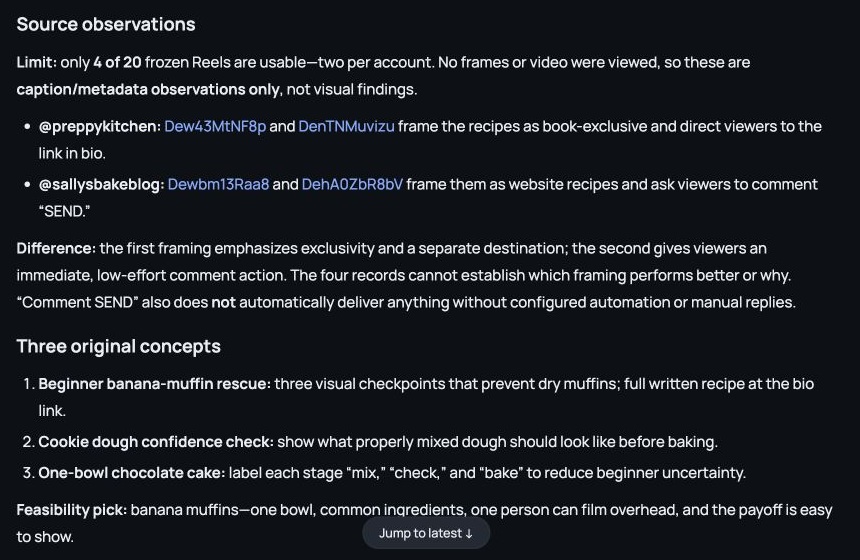
A caption, transcript and inspected video support different observations. Put the type beside the finding so the report cannot quietly turn a caption’s question into a shot-order claim. Use the video-analysis workflow when a visual sequence is the missing evidence.
Hand off a comparable table with exclusions explained
Keep the fixed publication window and separate formats. Summarize only comparisons the returned fields support, and list rows excluded from a metric calculation with the reason. This gives a reader a way to check the table before drawing a production conclusion.
For deciding categories and correcting them in conversation, the Muse Instagram guide covers that review process.
These two rows use different denominators for the reported engagement ratio. Remove the cross-row ranking, label each original formula and recompute a common comparison only if the necessary returned fields exist. Explain which rows remain excluded and why.
Share exclusions beside the comparison table
Copy the field-state matrix into Google Sheets, with coverage notes and uncomputed ratios visible. A curator can then review a production direction using the actual supported content observations. Missing public fields remain missing; a polished table should not hide them.
Worked examples are illustrative. Product screenshots show existing Kabo web results, not a run of the example in this guide. Use your own materials and the evidence returned in your task.