
A research report should help us choose what to make or explain. Otherwise it’s a very tidy reading list. We’ll research a question first, inspect the sources, then save the reasoning beside them. A classroom science explainer is our worked example, not a requirement for using this workflow.
Kabo, an AI agent for creator research, finds public YouTube references; Codex keeps the accepted source rows beside the teaching decision they inform.
Prepare the lesson question and classroom constraints
[ ] brief.md — Viewer question, audience level and the decision research should help us make.
[ ] reference-links.txt — Known public video URLs, or a topic if discovery is needed.
[ ] scope.md — Exact publication dates, language, format and inclusion rules.
[ ] classroom-constraints.md — Example constraint file: equipment and what can be demonstrated.
[ ] research/ — Destination for a source table and a short decision note.
2. Connect Kabo inside the project
Install Kabo in Codex, complete sign-in and open a new task so the tools refresh. Keep the task in the content folder named below.
3. Ask Codex to separate the question from the search terms
A science teacher is planning a video for middle-school students about misleading battery-life claims. The research needs to distinguish an understandable demonstration from a technical benchmark that the class cannot reproduce.
Tell Codex to read the classroom constraints and create research-plan.md. It should list what would make a reference useful: a defined workload, visible method and an explanation students can follow. Review the inclusion rules before it searches. A video about phone repair can mention batteries without helping this lesson.
Read brief.md, scope.md and classroom-constraints.md. Draft a research plan with inclusion rules and 3 questions the evidence must answer. Explain why each question matters to the video. Wait for my corrections before collecting.
4. Build sources.csv before writing the report
Have Codex use Kabo to collect topic candidates and enrich a small relevant shortlist. Save the public URL, publication date, returned metrics and retrieval date. Ask it to show the file before synthesizing. Remove irrelevant demonstrations there, so the written recommendation is based on the sample you actually accepted.
Why save a CSV here? We’re comparing sources row by row and may want to filter them later. It’s an evidence index, not a mysterious deliverable we have to learn before making a video. A Markdown table is fine for a small set.
When the missing piece is a viewer question, the comment research workflow helps turn a public sample into specific teaching needs.
Use Kabo for the agreed YouTube research plan. Collect a small candidate set, show relevance, then enrich the accepted shortlist. Save research/sources.csv with URL, publication date, retrieval date, evidence type and missing fields. Then write research/decision.md with supported observations, our proposed demonstration and unresolved checks. Keep timestamps only when returned or checked.
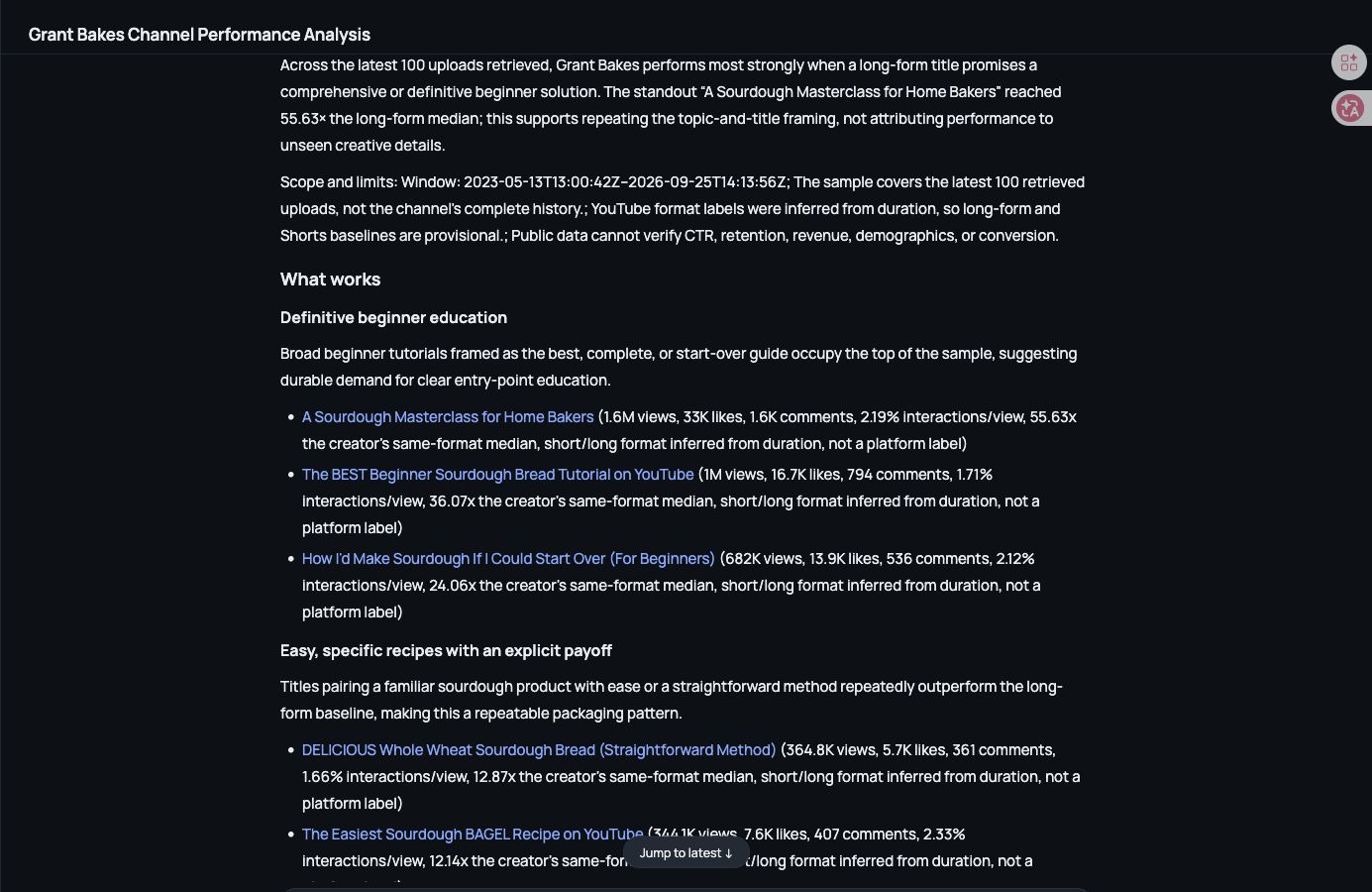
5. Open the report beside the evidence
Ask for research-notes.md with one section for observations and another for teaching choices. Use available transcripts to inspect explanation order. A new saved Kabo video analysis should be proposed first and requires Pro and confirmation. Unsupported visual claims should remain questions for you to check in the original video.
A decision note with collection work still visible
Suppose we’re teaching why battery-life claims depend on the workload. The notebook should narrow the lesson rather than crown a product winner:
- Proposed angle: Why “up to 12 hours” is not one universal test.
- Demonstration: Compare the same device under two documented workloads.
- Sources to attach: Retrieved video URLs and relevant timestamps.
- Open question: Can our equipment record a repeatable workload?
- Do not conclude: One battery brand is best.
6. Make a targeted second pass
Read the recommended demonstration and ask where it exceeds classroom resources. Give one concrete correction, then have Codex update the decision note without overwriting the original source table. The finished notebook should tell another teacher what to try, what to verify and which videos supplied context.
The proposed test needs a power meter we do not own. Keep the lesson about workload differences and redesign the demonstration using only the equipment in classroom-constraints.md.
Check the demonstration before writing the lesson
Use the final notebook to write your lesson script in Google Docs, keeping source notes attached for fact checking. Record your own demonstration rather than reusing another reviewer’s results as if your class measured them.
Once the demonstration is feasible, assemble its script from the shots. If the unanswered question is which series to make, use the positioning comparison instead.
Worked examples are illustrative. Product screenshots show existing Kabo web results, not a run of the example in this guide. Use your own materials and the evidence returned in your task.