
Manage your plan and billing
Check your plan, review a purchase, or cancel renewal in the right place.
Updated November 5, 2026You’ll need: A signed-in Kabo account.
Find your current plan
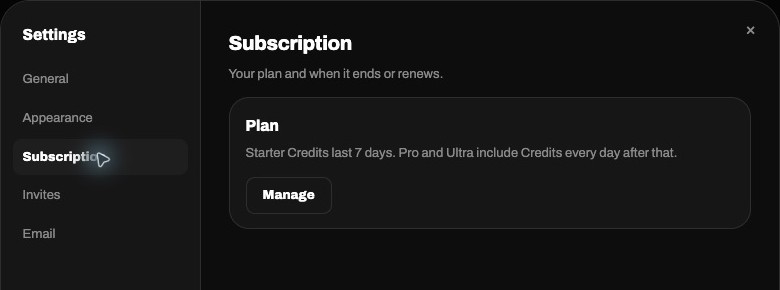
Open Settings → Subscription to check the plan and any renewal or end date shown. Choose Manage to open the signed-in billing page. The public Pricing page describes offers; your account’s billing page shows the options available to you.
Review before paying
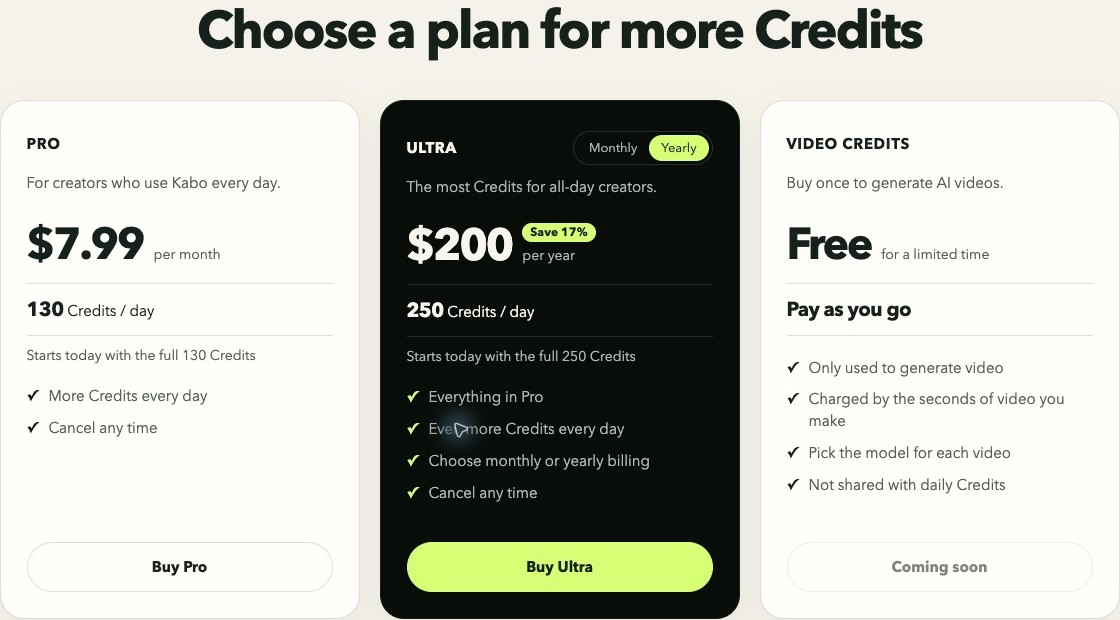
Check the plan, billing period, currency, and total in checkout before paying. Prices come from the current catalog, so use the amount displayed there. If payment appears complete but access has not updated, check your subscription status and receipt before starting another purchase. Never send card details to support.
Cancel through the purchase provider
For an active web subscription, use the cancellation option on the billing page and complete its confirmation. Check the resulting status and end date. App Store and Google Play subscriptions must be managed in the matching store; follow the account’s provider notice. Canceling renewal is separate from deleting an account and does not itself request a refund.